

Apple Ads is a fairly complex and often confusing platform for those who want to promote their mobile app due to a wide range of campaign management types and ad placements. In addition, Apple Ads uses a different bidding model than platforms like Meta Ads and TikTok Ads that differs significantly.
That is why the RadASO team has prepared a comprehensive guide to help you navigate Apple Ads effectively and improve performance across the platform.

Apple Ads is Apple’s official advertising platform that allows developers and businesses to promote apps across the App Store.
Previously known as Apple Search Ads, the platform was renamed Apple Ads on April 14, 2025, reflecting the expansion of Apple’s advertising solutions beyond search:
«Our advertising solutions go beyond search — so we’re changing our name».
Since Apple’s advertising products are no longer limited to search results, the platform was renamed accordingly.
Apple Ads offers two campaign management formats — Basic and Advanced — each with its own bidding approach and level of control.
This mode uses a Cost Per Install (CPI) model: advertisers set a target cost per install, and the system automatically selects keywords while aiming to stay within the specified budget. At first glance, this approach appears convenient—you pay only for installs and don’t need to manage individual keywords manually.
However, this approach has a key drawback: limited control over keyword quality. Because keywords are selected automatically, irrelevant terms often appear - the kind of search terms that don’t align with user intent or the app’s actual value proposition. As a result, there’s a higher risk of acquiring users who fail to complete target actions after installation. Moreover, despite the fixed CPI, the system offers little flexibility in bid management, which can lead to overpaying for traffic that could be acquired more efficiently through manual optimization.
This setup utilizes the opposite approach. It allows you to use either Cost Per Tap (CPT) bidding or Cost Per Install with a defined target CPA, giving you full control over your campaigns and the ability to:
This is especially useful in competitive niches or for apps that require precise audience targeting.
Apple Ads Advanced also unlocks broader targeting options. You can select:
In this mode, you can also create Custom Product Pages (CPPs) — unique versions of your app’s product page tailored to specific keywords or audience segments. This approach better aligns with user expectations and can significantly improve conversion rates.
Basic is suitable for a quick launch with minimal setup but comes with limited control and carries a higher risk of attracting less relevant traffic.
Advanced provides greater flexibility for advertisers willing to invest time and resources in analytics and optimization.
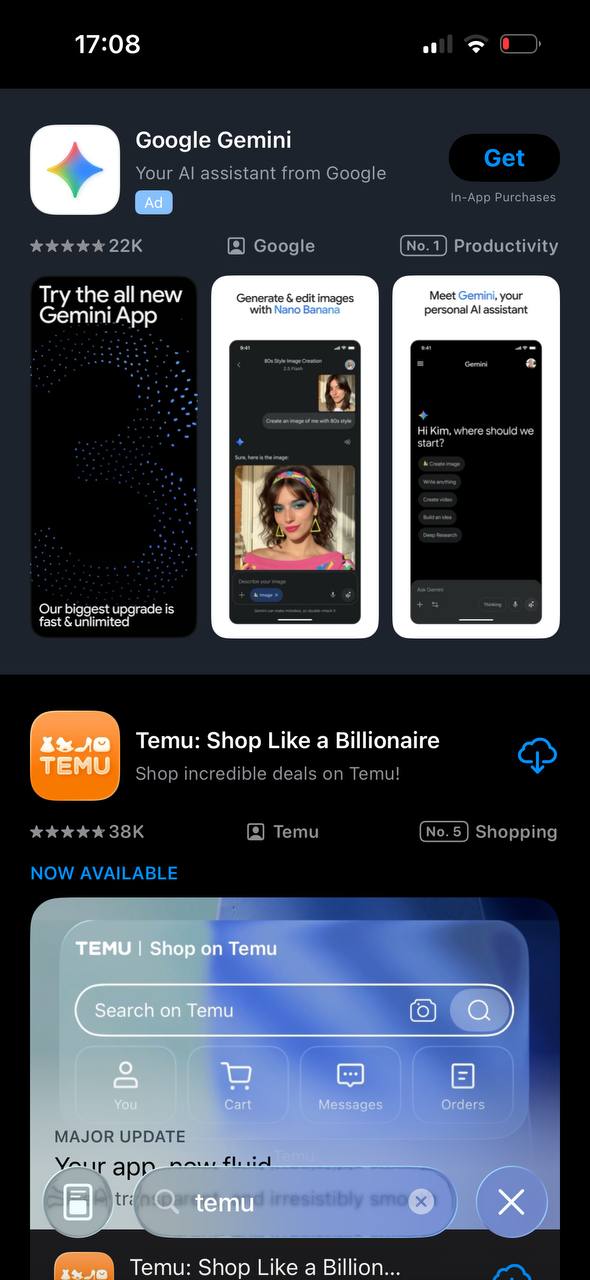
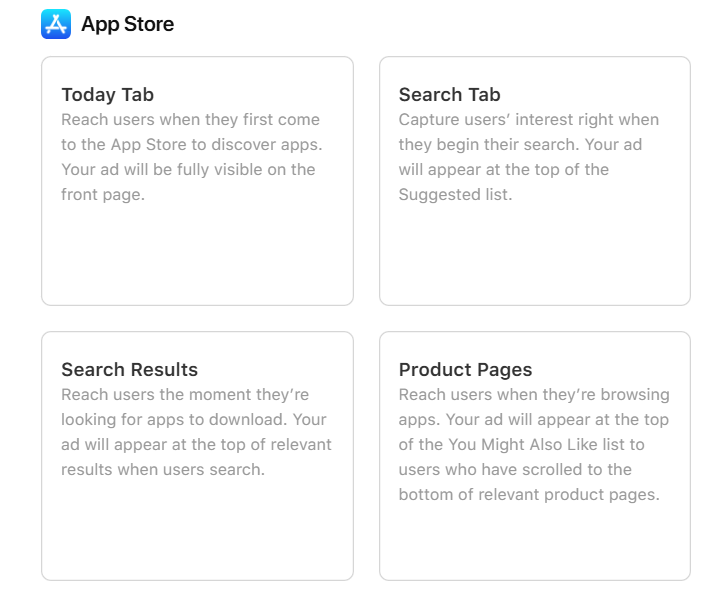
Search Tab, Today Tab, and Product Page are display placements primarily aimed at increasing brand awareness. They deliver the largest reach and significantly outperform Search Results in terms of impressions.
Search Tab ads are displayed in the recommended apps list to increase discoverability.
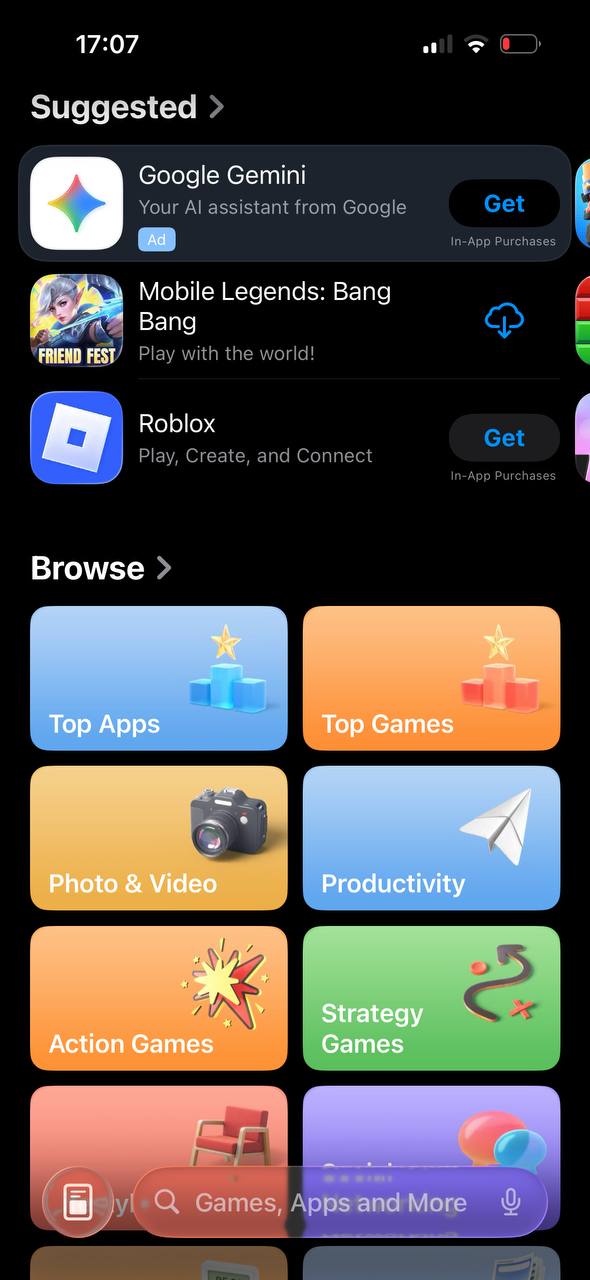
Today Tab ads are shown on the App Store’s main page, providing high-visibility placement to capture user attention.

Product Page ads appear in the “You Might Also Like” section at the bottom of an app’s product page that the user is currently viewing, offering contextual exposure.

Search Results is a keyword-based search placement and remains the most popular option in Apple Ads. Ads in this placement allow your app to appear at the top of search results for selected keywords — even above organic listings.
To launch a campaign in Apple Ads Advanced, follow these steps:
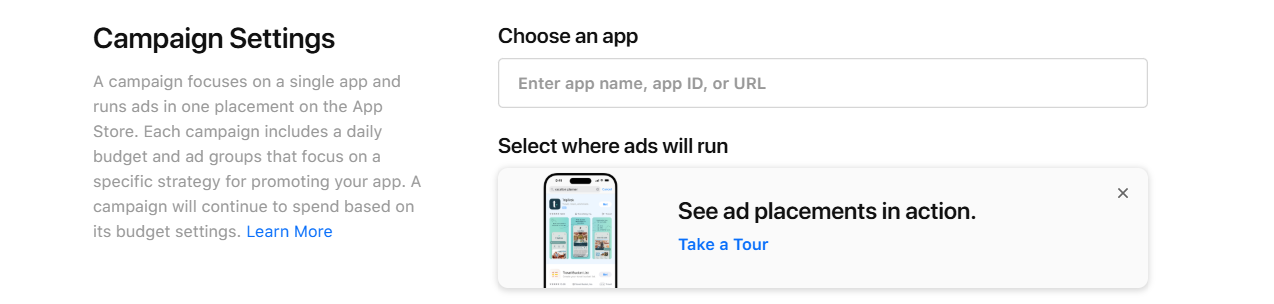
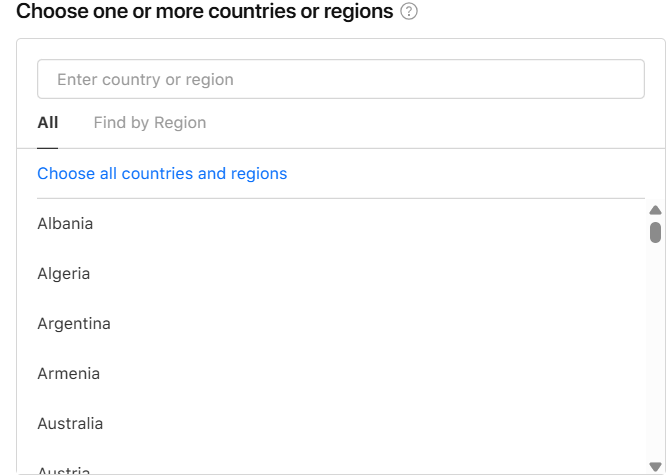
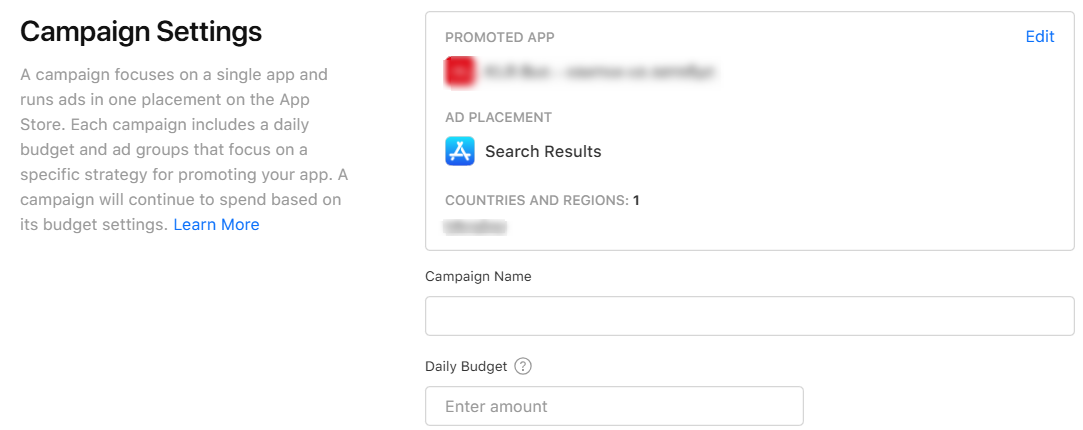
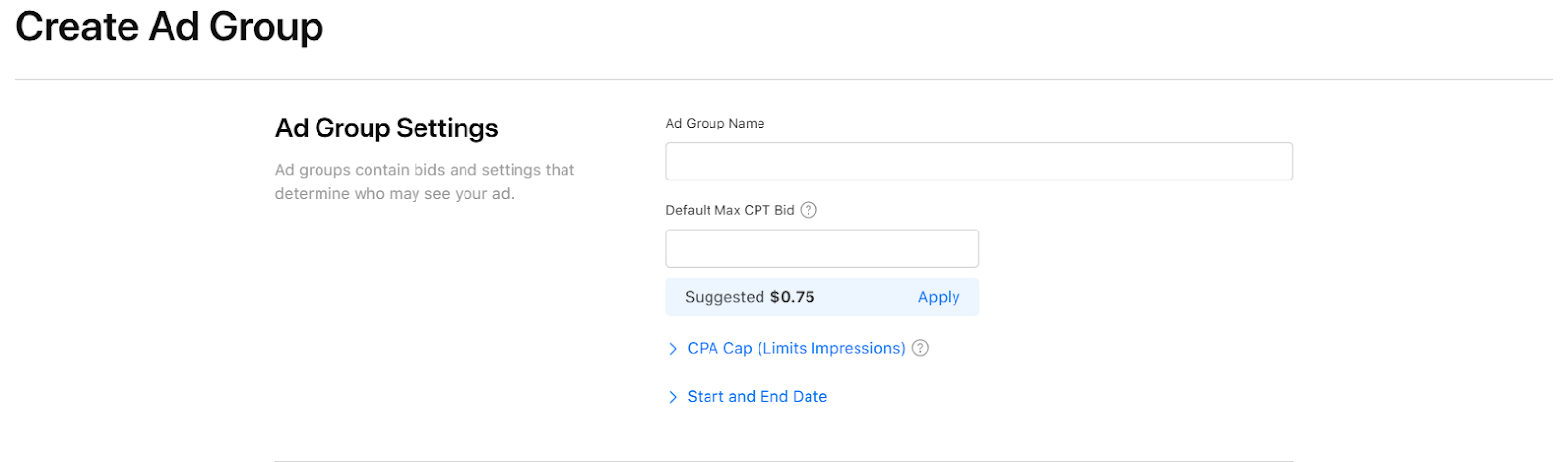
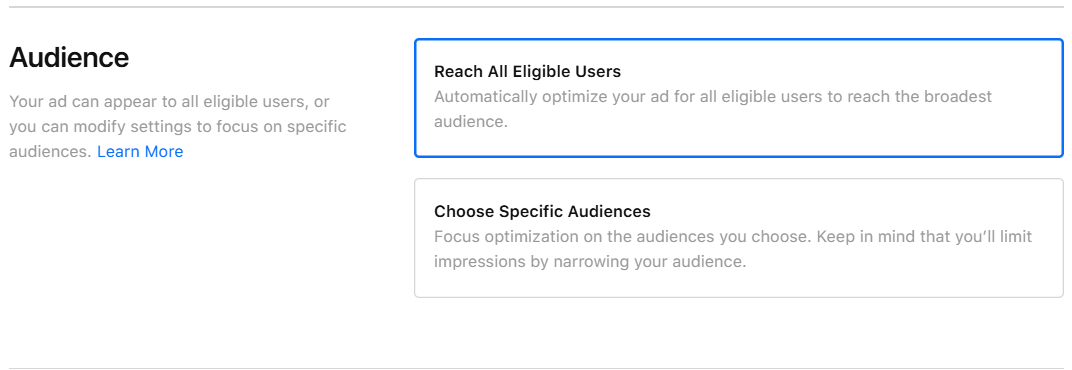
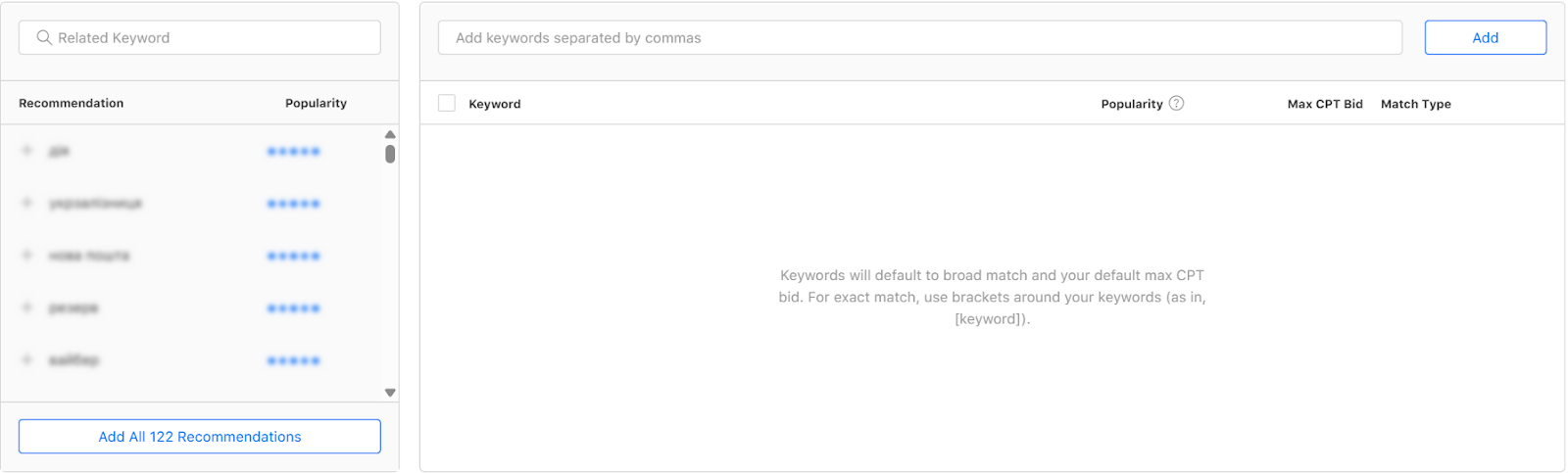
For Search Results campaigns:
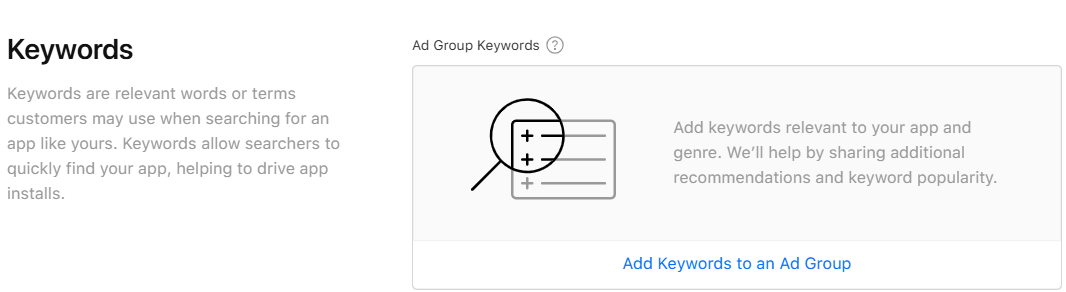
1.1 Exact Match
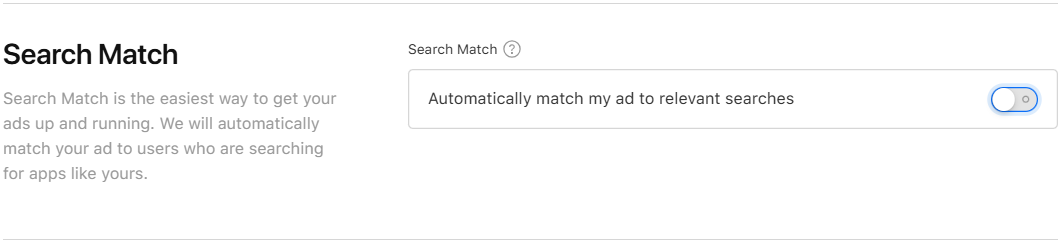
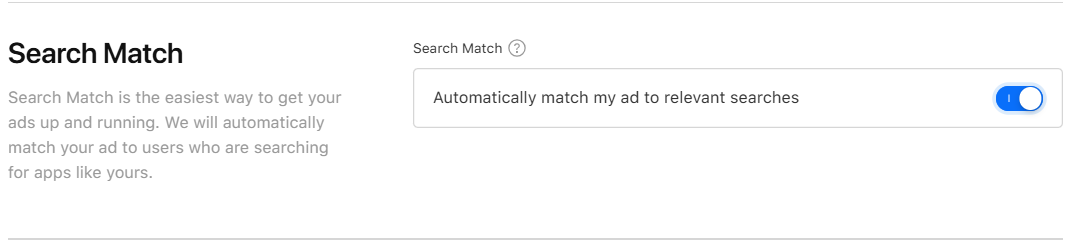
1.2 Broad Match
Apple Ads provides a wide range of metrics. The most important ones for daily campaign management include: Spend, Impressions, Taps, Installs, Installs (Tap-Through), AVG CPT, AVG CPA, AVG CPA (Tap-Through), TTR, CR, CR (Tap-Through), CPT Bid, and CPA Goal. Most are well known, but some are often confused.
On most ad platforms, CPA stands for Cost Per Acquisition. In Apple Ads, an “acquisition” specifically refers to an app install. In practice, CPA is equivalent to CPI. This means that metrics such as CPA Goal or AVG CPA, refer to the average cost per install.
Installs are divided into three categories:
Although Apple Ads provides many essential metrics and tools, several critical indicators and features are missing, including:
These missing metrics can have a significant impact on campaign performance.
While Apple Ads does not offer these features, they are fully implemented in RadASO’s tool. It provides access to key metrics and automatically pauses paid keywords once they reach a predefined organic rank, helping prevent traffic cannibalization and reduce costs.
Search Results campaigns are typically divided into three main types:
These campaigns target keywords related to the app’s brand name or its variations. Their purpose is to protect the brand from competitors bidding on similar terms, improve indexing, and increase organic visibility. They also contribute to growth in View-Through installs.
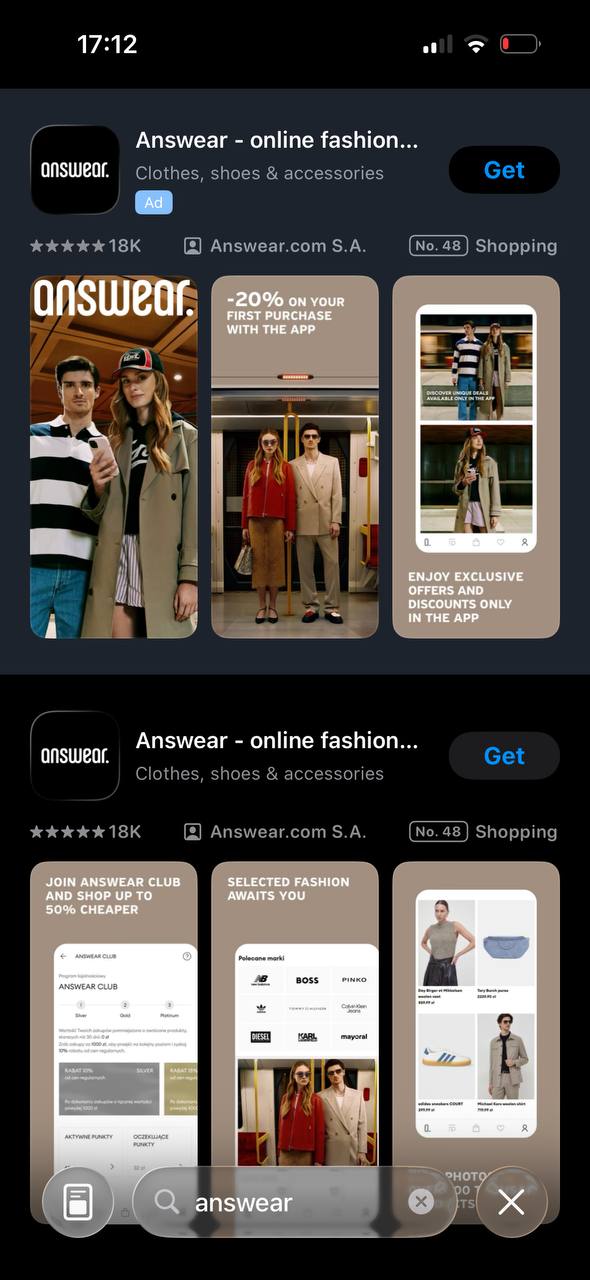
Another reason to run brand campaigns is the enhanced visual presence in search results. When users search for your brand, they see six screenshots simultaneously—three in the ad and three in the organic listing. This increased visibility captures attention, showcases more unique selling points, and encourages users to take action.
Generic Campaigns target non-branded keywords that reflect broad user intent, such as “clothing,” “shoes,” “online shopping,” or “store.” They help attract a wide audience that has not yet decided on a specific brand.
Competitor Campaigns target keywords that include competitors’ app names. Advertisers use them to intercept users who were considering installing a competing app. For greater efficiency, competitor keywords are usually grouped separately, simplifying management—especially when competitors have many high-SAP keywords or when these keywords generate the most conversions.
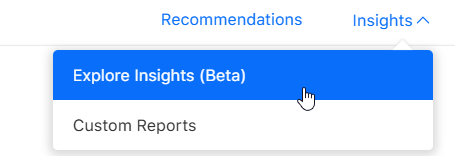
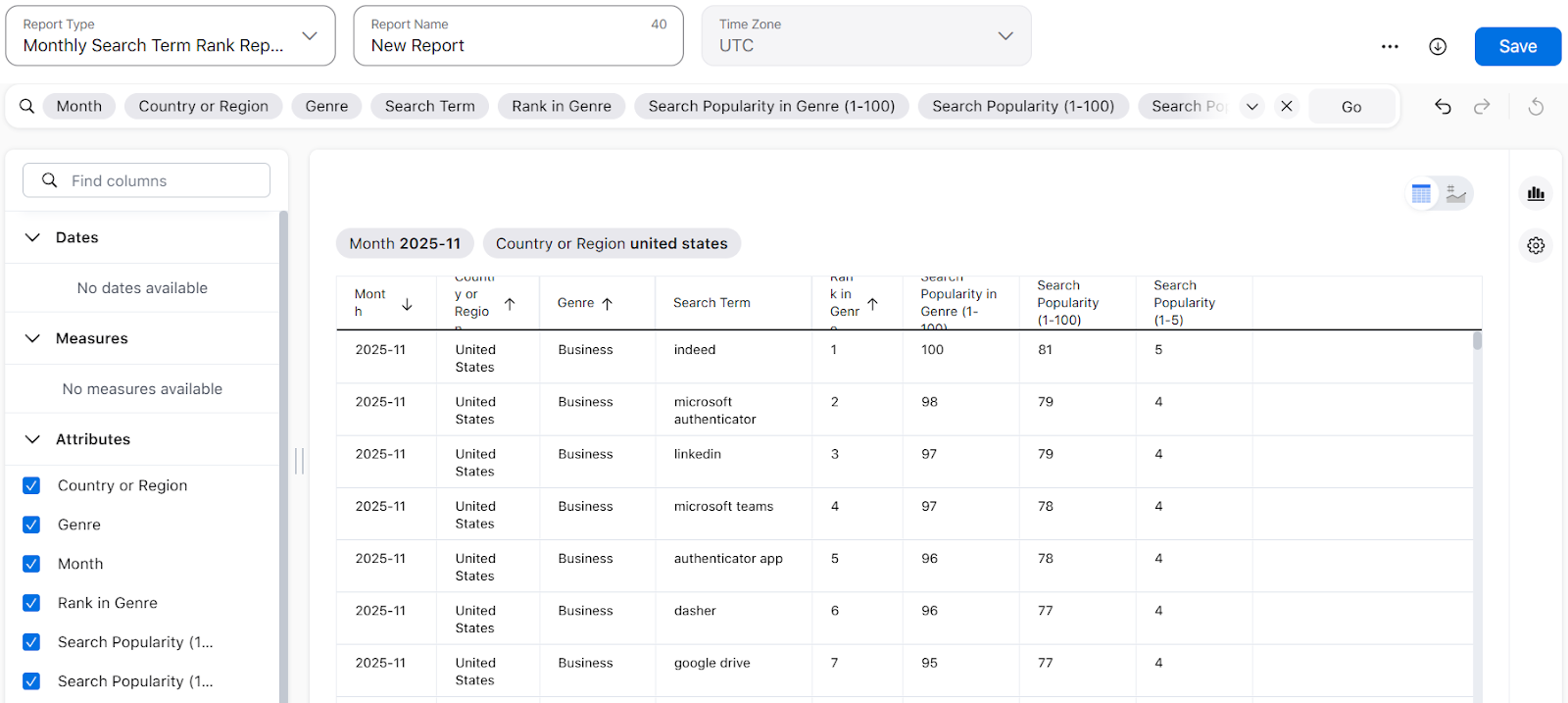
SAP indicates how frequently users search for a term in the App Store based on Apple Ads data. The SAP score ranges from 1 to 100 and can be found in the Monthly Search Term Rank Report under Insights → Explore Insights in your Apple Ads account.








.avif)