

Competition in the mobile app market is growing every day. To stand out from the crowd, you need high-quality optimization — and that’s where an ASO audit for the App Store and Google Play makes all the difference.
In this article, you’ll learn:
And this is not an exhaustive list. Let's get started!

App Store Optimization audit is the process of evaluating how effectively your app is represented in the App Store and Google Play, while uncovering opportunities for improvement.
It’s best to perform ASO audits regularly, not just once — ideally at different stages of your app’s lifecycle:
The main steps of an ASO audit include analyzing:
Regular ASO audits help you continuously improve your app while attracting both users and store algorithms.
Below are the main reasons.
We have prepared a comprehensive guide on the most common mistakes in ASO optimization and analysis of its results.
Next, we’ll go through the key steps to help you evaluate your current ASO performance, identify growth opportunities, and make your app more visible and competitive. Let’s start with the App Store Text Audit.
This step helps you understand how competitors in your niche attract users and which strategies drive their success.
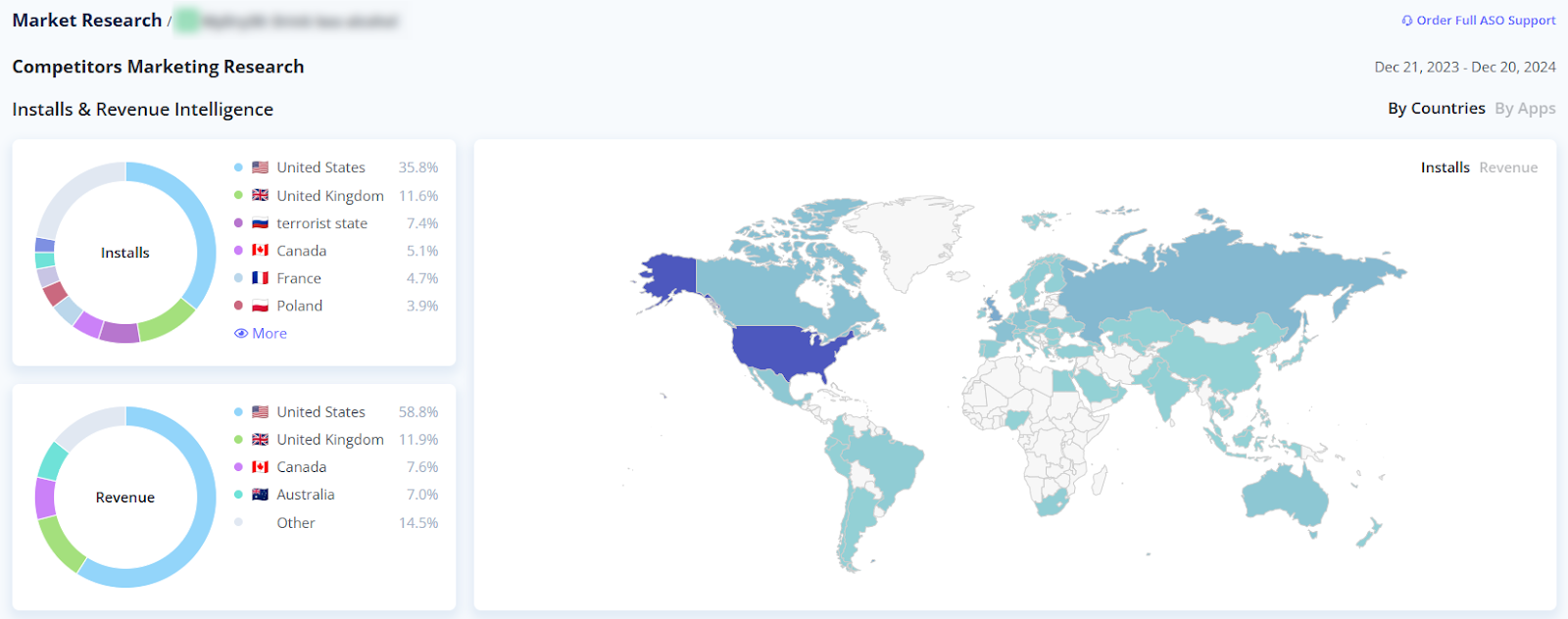
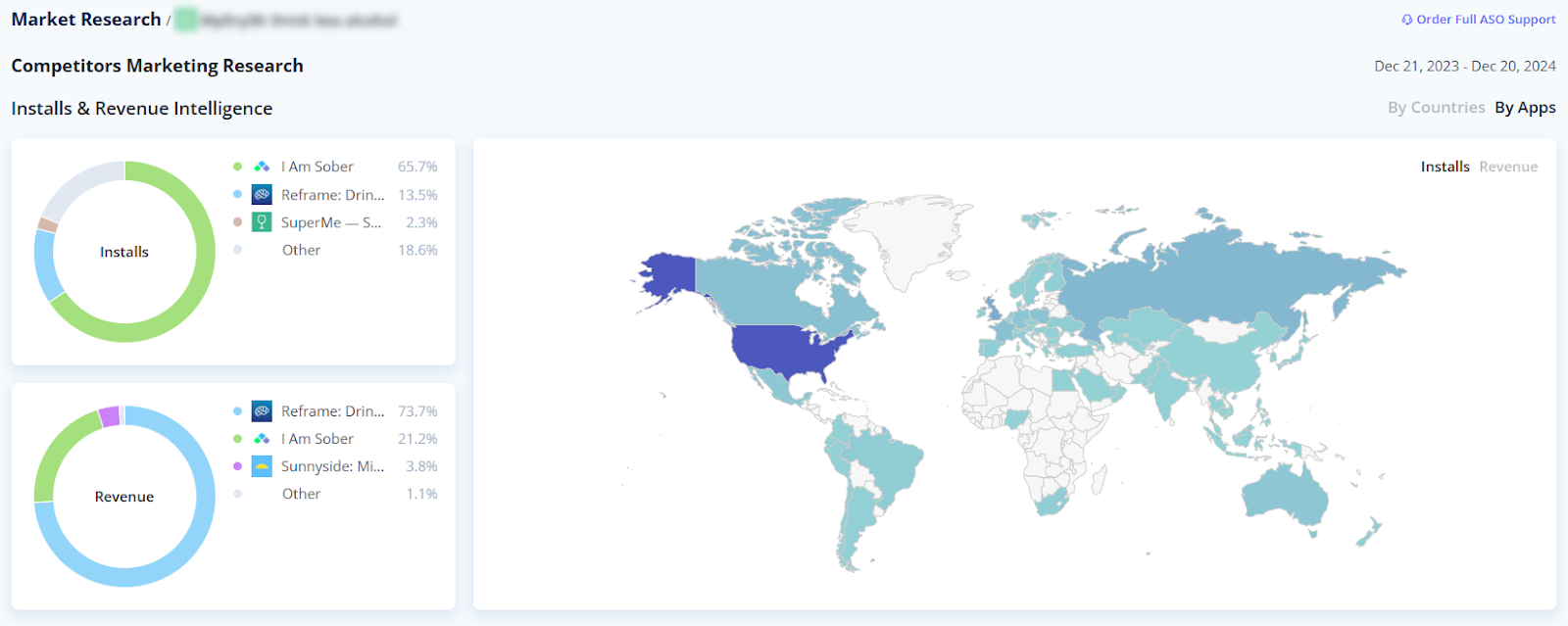
This step helps you evaluate the effectiveness of your current ASO strategy. Focus on the following key indicators:
To assess your app’s position in the App Store or Google Play — both overall and against competitors — you can use ASO tools such as Asolytics, Sensor Tower, AppTweak and AppFollow.
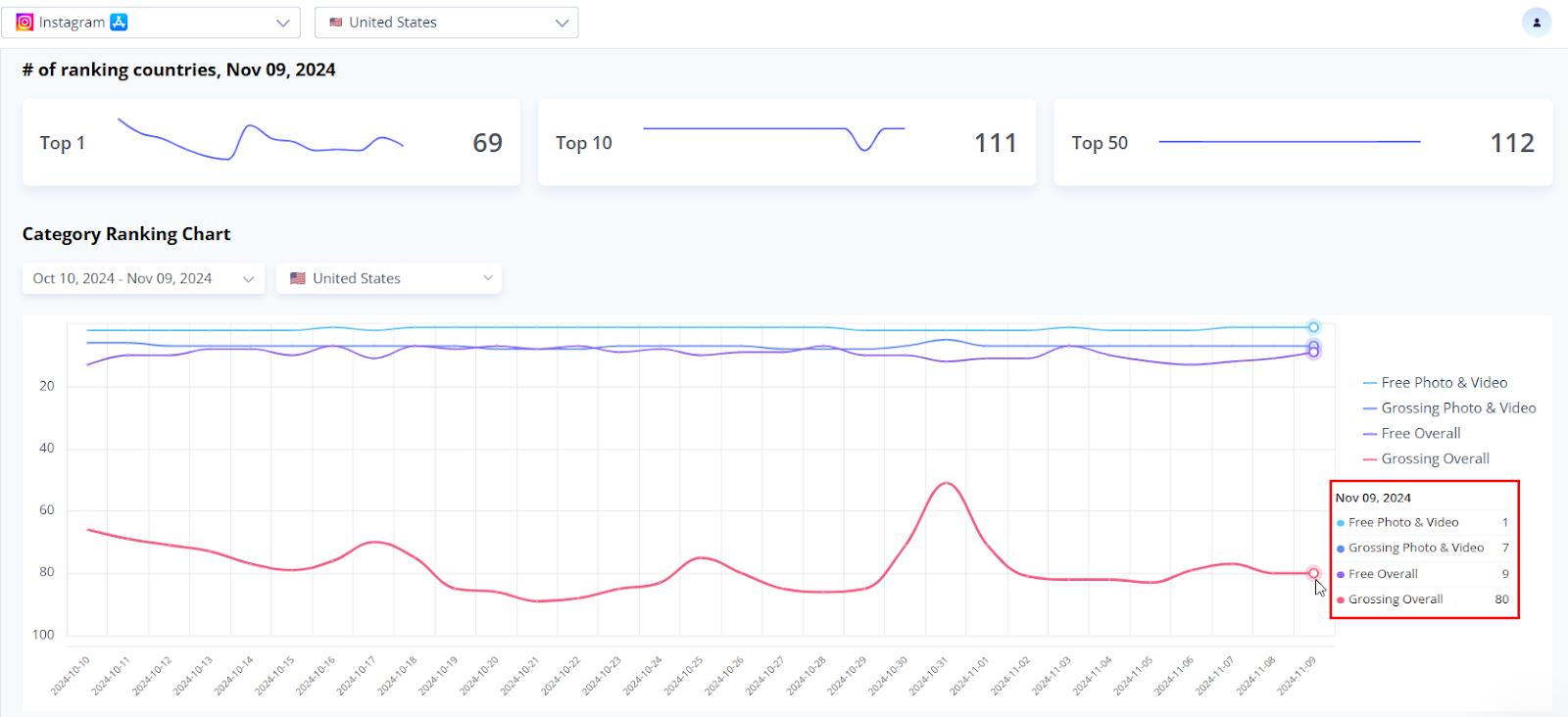
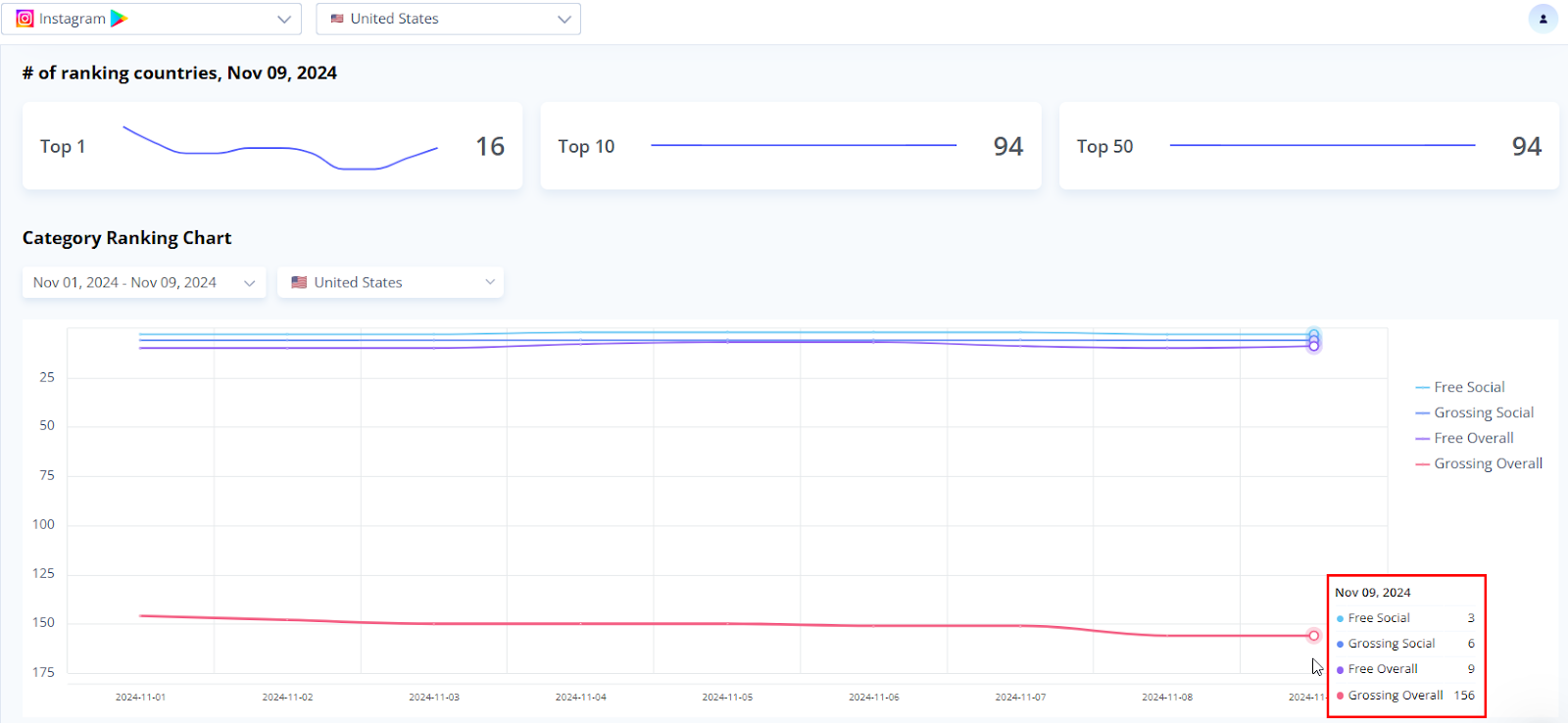
Check which keywords are included in your metadata and analyze their ranking positions. Ensure that all keywords are relevant, up to date, and aligned with user search behavior.
Conduct fresh keyword research to uncover additional terms users are actively searching for. Incorporate these into your metadata to boost visibility after your next release.
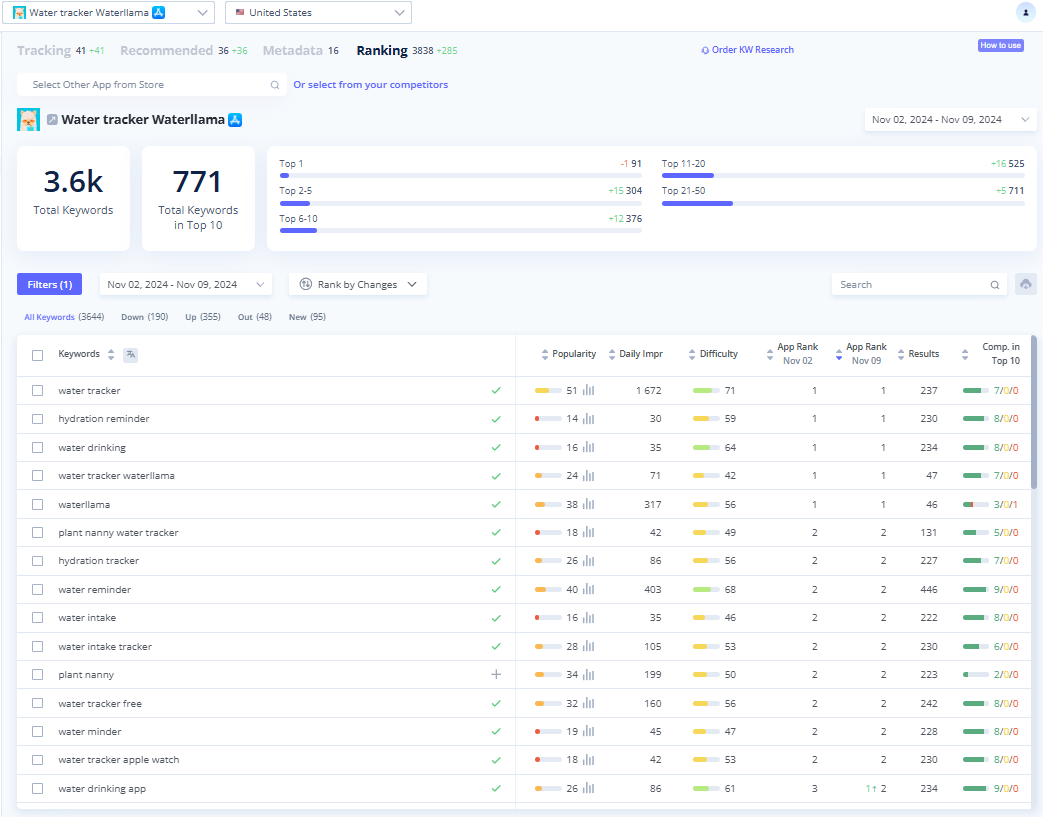
Your app store page includes text metadata, which plays a critical role in optimization and deserves special attention.
One of the most important metadata elements is the app title. In both the App Store and Google Play, its length is limited to 30 characters.
Always include the most relevant keywords that capture your app’s core purpose. Avoid unnecessary words — every character should enhance visibility and improve discoverability.
The app name should be attention-grabbing, concise, and easy to read. If your brand isn’t yet well-known, place it at the end of the title — or consider leaving it out temporarily.
Tips for preparing an app description for Google Play.
The subtitle (30 characters in the App Store) and short description (80 characters in Google Play) are ideal for including secondary, but still important, keywords that don’t fit in the title.
Use these fields to highlight your app’s key features and benefits. When crafted carefully, the title and subtitle can combine into logical, keyword-rich phrases that align with users’ search queries.
Never leave these fields blank — they play a crucial role in App Store and Google Play search algorithms and directly impact your app’s visibility in search results.
The full description (up to 4,000 characters) is especially important for Google Play, as the keywords included are considered during indexing. Your text should:
To verify whether Google correctly interprets your app’s category, use the Google Cloud Natural Language service.
This field, available only in the App Store, has a maximum length of 100 characters. Use it to include your most relevant keywords.
When filling out this field:
Visual design plays a key role in attracting users and driving conversion. Even with strong text optimization, poor visuals can significantly reduce user interest in your app.
Below are the key aspects to review in an App Store Creatives Audit.
Users spend only a few seconds scanning search results, so your icon must instantly grab attention and spark interest. A strong icon should:
Unlike Google Play, the App Store uses a single icon across all countries where your app is available. Make sure the design is universally understandable and appealing to users from different regions.
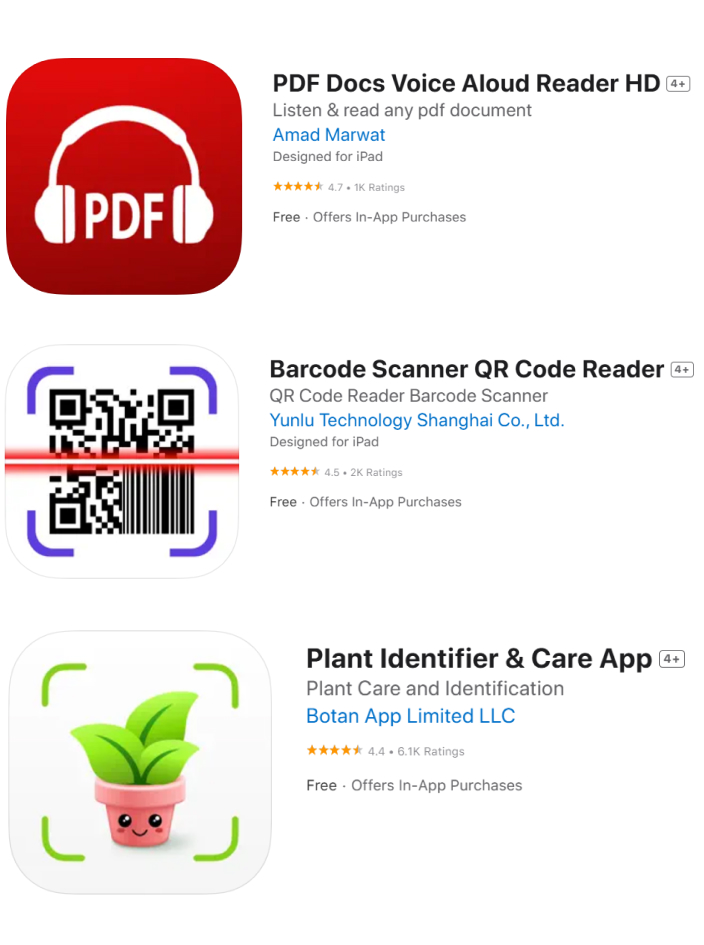
Brand identity elements — such as the name, logo, corporate colors, or symbols — can be effective on an app icon if the brand is already well-known. This strengthens recognition and can improve conversion rates.

Keep your icon simple — avoid extra elements and fine details, as they can make it look unclear in the app store.

Your icon and screenshots should harmonize, maintaining a consistent style and color palette throughout.
To highlight your app’s relevance and show ongoing updates, periodically update your icon to reflect holidays or special events.

Screenshots showcase key features and benefits, create the first impression, and influence the user’s decision to download.
Formats and quantity:
If your app page includes a video, the first two screenshots are the most important. If there’s no video, prioritize the first three screenshots.
Contents and order:
Quality and ease of perception:

A powerful tool for showcasing your app’s features in action.
Format and restrictions
In the App Store, you can include up to three videos, each with a maximum length of 30 seconds.
In Google Play, you can add a single video, and the first 30 seconds will play automatically.
Content and dynamics
Highlight the most important features at the very beginning, as the average viewing time is only four to six seconds.
Demonstrate the real interface, without unnecessary graphics or “advertising noise.”
Effectiveness analysis
Compare the effectiveness of videos versus screenshots: determine whether videos drive higher conversions than images. If needed, test multiple preview options to find the most impactful approach.
Localization is a key strategy for scaling your app. It enables you to enter new markets, reach a broader audience, and improve indexing in app stores. When evaluating localization, pay attention to:
Cultural adaptation
Ensure that text and visual elements are culturally appropriate for the target country. Avoid symbols or colors that could be perceived negatively, as this may lead to criticism or deter users from installing your app.
Relevance of keywords
Ensure that each language version of your metadata includes popular, relevant keywords for that market.
Number of optimized locales
Each country can support between one and ten localizations.
For example, in the United Kingdom, two are available: English (U.K.) and English (U.S.). There are ten localizations in the US: English (U.S.), Arabic, Chinese (Simplified), Chinese (Traditional), French, Korean, Portuguese (Brazil), Russian, Spanish (Mexico), and Vietnamese.
It’s advisable to cover as many locales as possible to reach diverse user groups.
Translation quality
The text should be both grammatically correct and natural-sounding to native speakers. Whenever possible, hire specialists to adapt the content instead of relying on literal translations.
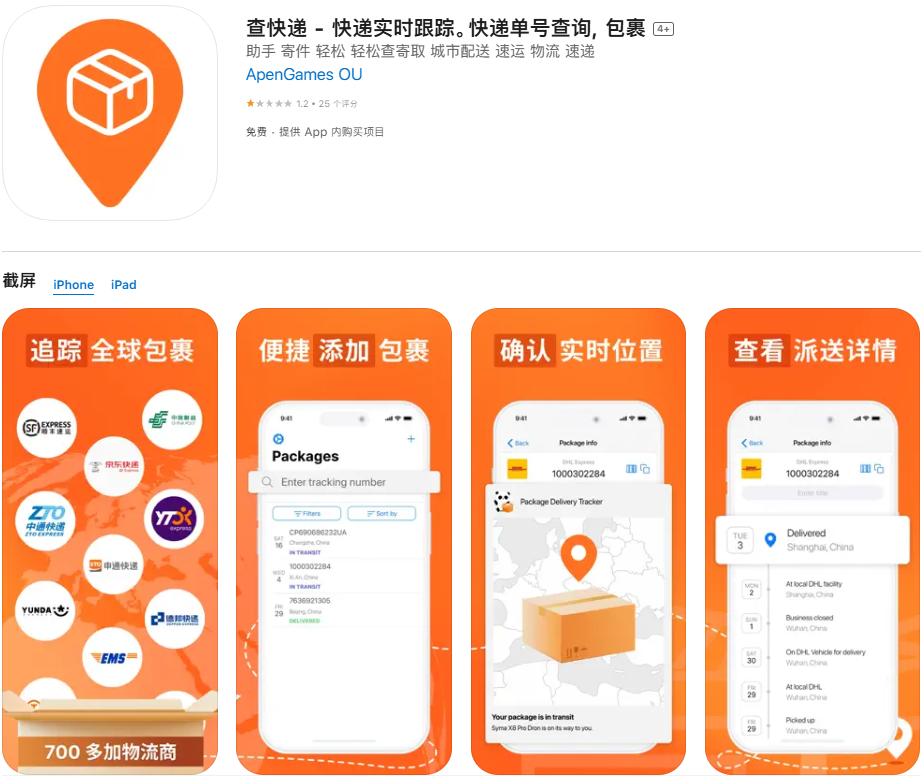
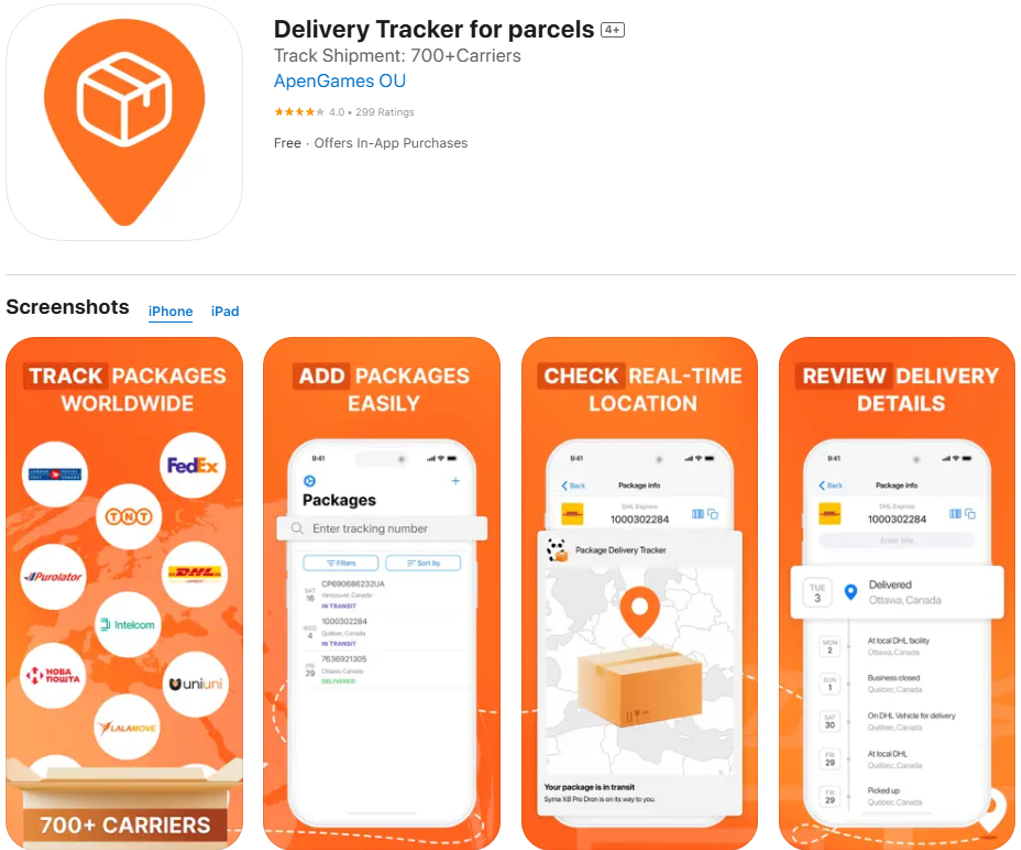

User reviews offer valuable insights into satisfaction levels, impact visibility and conversion rates, and highlight areas for improvement.
Here’s how to effectively assess ratings and reviews during an ASO audit.
Check your app’s average rating. A high rating reflects user satisfaction and can positively influence potential users’ decisions to install the app.
Analyze rating trends over time: a sudden drop often signals issues with recent updates.
Categorize feedback as positive, negative, or neutral. Look for recurring themes, which can reveal both the issues users encounter and the features they value most.
Understanding your app’s strengths and weaknesses enables you to focus your optimization efforts more effectively.

It’s important to address user-reported issues promptly and demonstrate a willingness to improve.
Evaluate how quickly and professionally you respond to feedback—especially negative feedback—as this directly impacts your app’s reputation.
User feedback can reveal requests for new features. If multiple users request the same feature, it’s worth considering its implementation.
Respond promptly to complaints and bug reports. Addressing issues not only enhances the user experience but also encourages positive reviews.
By analyzing the needs of your audience and addressing them, you enhance the functionality of your app, build trust, and foster positive user attitudes.
In ASO, it’s important to consider not only traditional promotion methods but also additional store tools. Features like in-app events, promotional offers, and custom pages can give you a competitive edge and directly influence user behavior.
In-App Events are short-term activities (lasting up to one month) available in both the App Store and Google Play. They help capture user attention, boost engagement, and increase loyalty. Examples include gaming competitions, new feature launches, or premieres. These events can be one-time or recurring.
When evaluating in-app events, focus on the following key aspects:
Ensure that events align with your audience’s interests. They should aim to attract new users, retain existing ones, or re-engage inactive users.
Make sure your app complies with Google Play's criteria for launching in-app events.
Review the performance data for each past event in App Store Connect and Google Play Console:
Ensure the event description clearly communicates its value to the user. Note that event metadata is indexed in the App Store (30 characters for the title, 50 for the short description), so including relevant keywords is essential to improve visibility.
Make sure visual elements are tailored to the event’s theme and target audience. Use only high-quality images or videos that showcase the uniqueness of your offering.
Align events with holidays (e.g., Halloween, New Year’s Eve), popular trends, or major app updates.

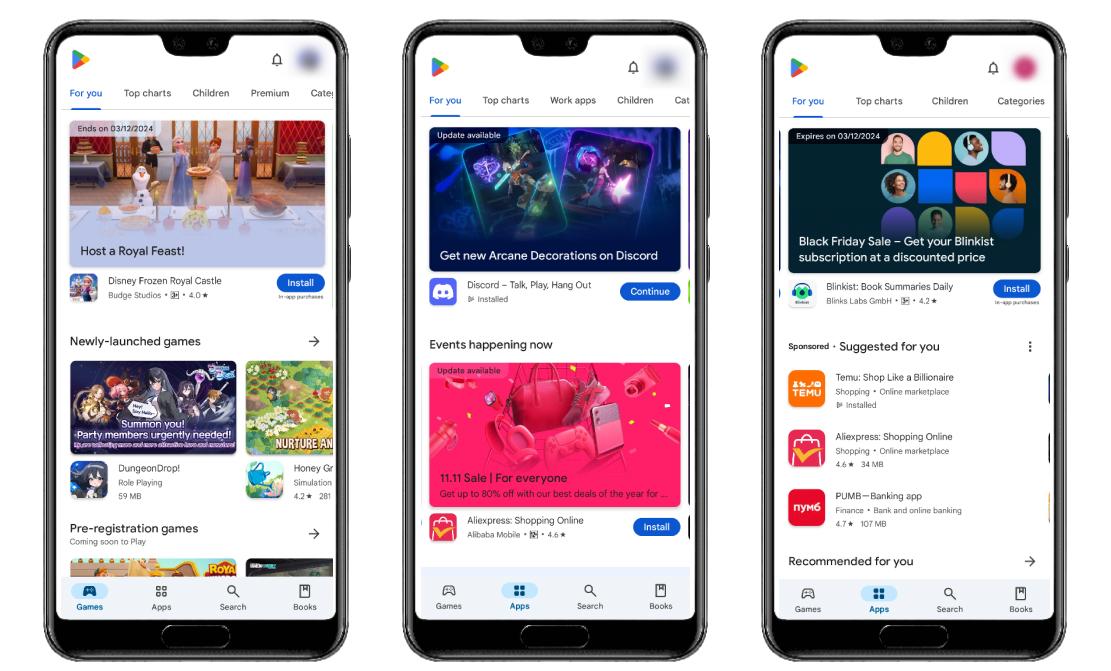
Promoted In-App Purchase is a tool that lets you highlight a specific in-app purchase (IAP) directly on your App Store page. This is often used to promote a subscription to your app.
Promoted purchases can appear in search results as well as on the Today, Games, and Apps tabs.
When evaluating promoted in-app purchases, focus on the following key aspects:
Keywords from the promotional purchase title can be combined with keywords from the main app’s metadata.
Life hack: Use search terms in your promoted purchase title for which your app already ranks first. This can help the promoted purchase rank second, effectively covering the entire search results page and reducing competitors’ visibility.
More tips on promoting Promoted In-App Purchases from RadASO experts.
Custom Store Listing pages let you tailor your app page for different user segments or for users accessing a specific link:
Benefits of custom app store listings:


Regular ASO audits help identify weaknesses and errors while uncovering new opportunities for app development. Key aspects to focus on include:





.avif)